VS Code Wrapped: GitHub Universe 2026
Explore how VS Code evolved between GitHub Universe 2025 and 2026, with new ways to code, collaborate with agents, and manage work across tools and environments.
By using VS Code, you agree to its license and privacy statement. By using VS Code, you agree to License & Privacy.
The interactive illustrations could not load. You can still explore VS Code using the links below.
Code with precision, collaborate with or orchestrate a team of agents, and continue your work wherever you are.
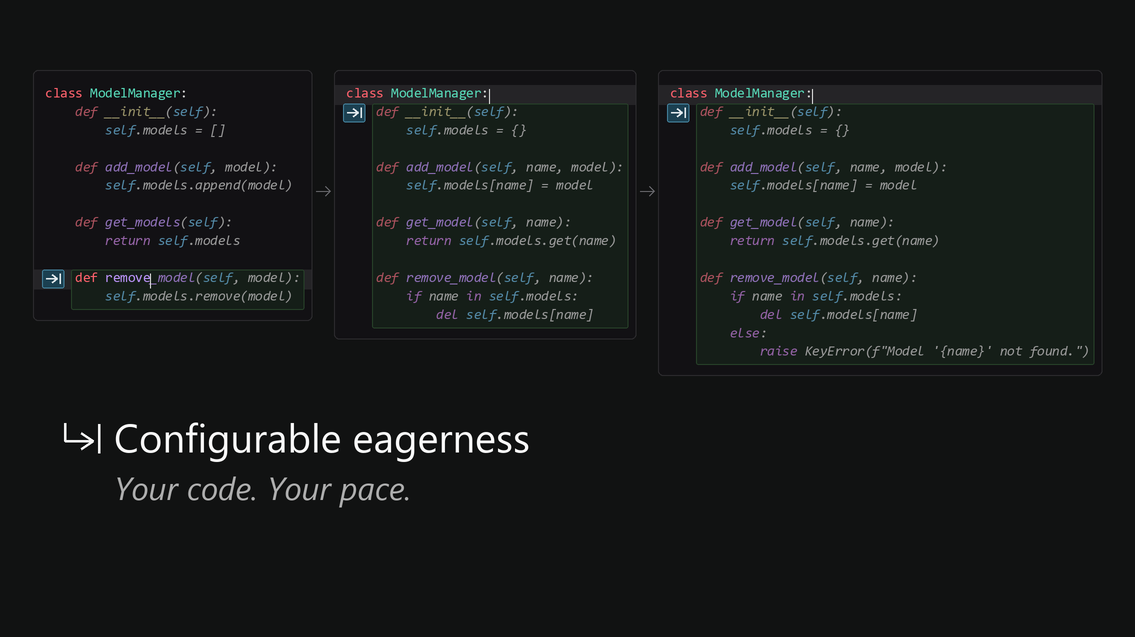
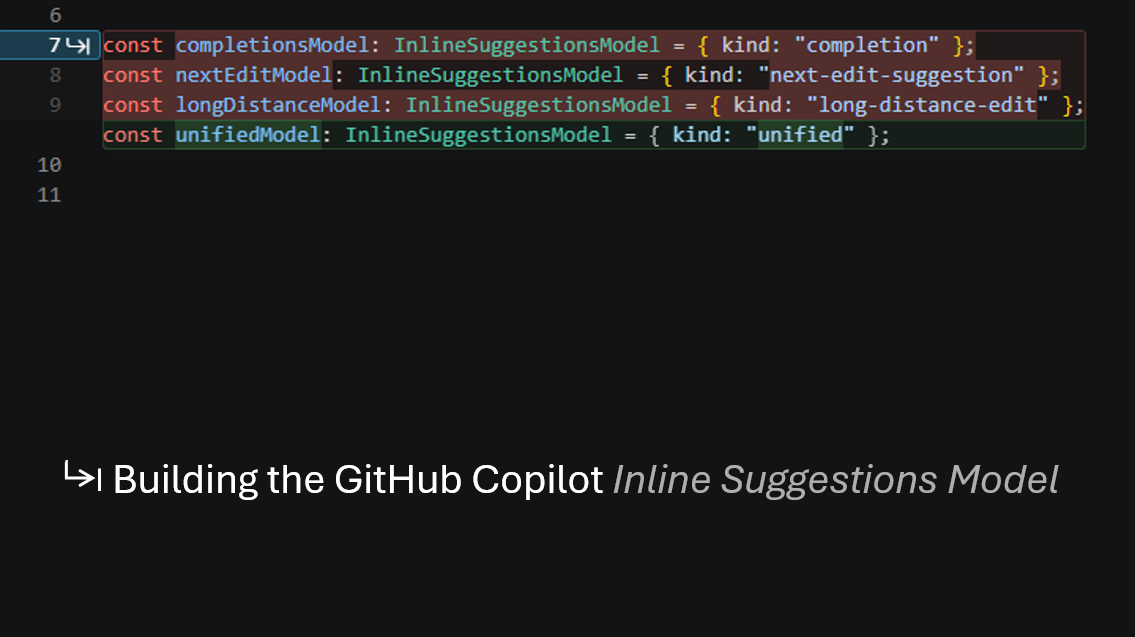
Write, debug, test, and refactor without breaking your flow. Rich language support, precise navigation, and integrated debuggers keep you close to your code. Learn more about editing code
Build alongside agents that understand your codebase. Work through a plan, make changes together, and review the results without leaving your editor. Learn more about reviewing agent edits
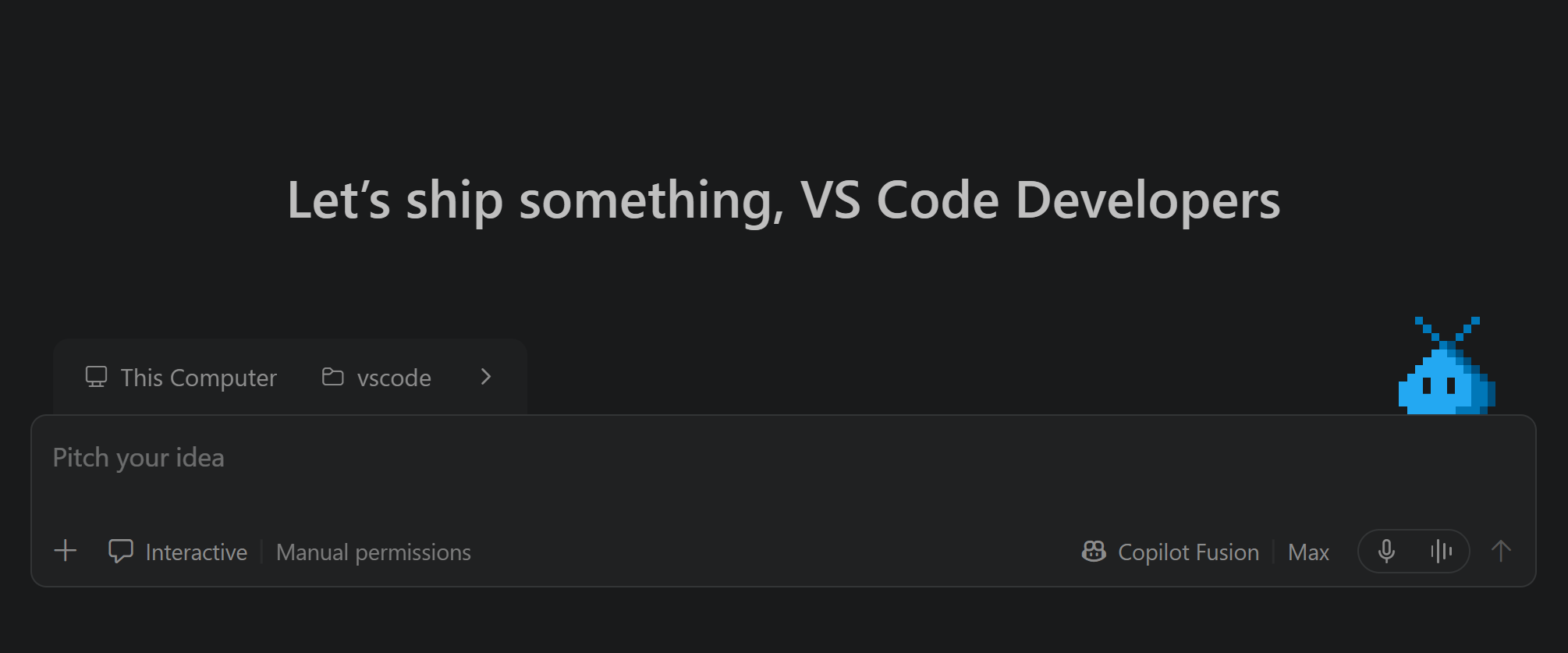
Move your backlog forward with teams of agents working in parallel. Coordinate work across repositories, track progress, and review changes in one place. Learn more about the Agents window
Choose from Anthropic, OpenAI, Google, Microsoft, and open-weight models, or BYOK from any provider. Use the agent harness that works best for you: Copilot, Claude, or Codex. Learn more about models and harnesses
The open source platform to write code by hand or out loud, run it in the terminal, check it in the browser, or delegate your backlog to an agent.
Start a task in VS Code, answer the agent's questions from GitHub Mobile, course-correct it in the Copilot CLI, and let your team review the pull request on GitHub.com. Learn more about agent sessions
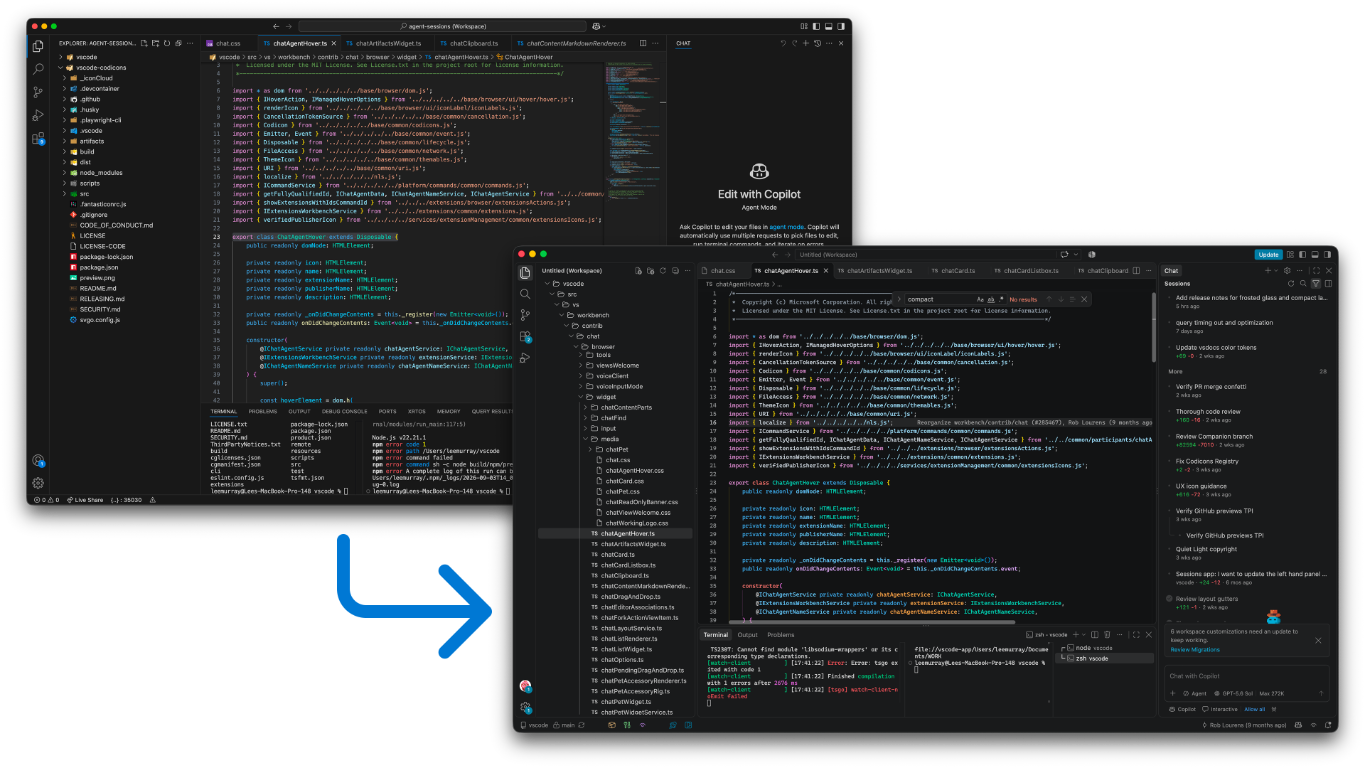
VS Code supports JavaScript, TypeScript, HTML, and CSS out of the box. Language extensions add IntelliSense, linting, and debugging for Python, Java, C++, and many more. Set up your keyboard shortcuts and arrange your layout to fit how you work. Learn more about programming languages
Browse thousands of extensions in the Visual Studio Marketplace to add themes, tools, integrations, and workflows. Learn more about the Visual Studio Marketplace
Use VS Code on Windows, macOS, or Linux, or open it in your browser at vscode.dev. Develop in a container, over SSH, or in WSL, and reach the agents on your machine from anywhere with Dev Tunnels or GitHub Environments. Learn more about remote development
The roadmap, the iteration plans and every issue are public, so you can see where VS Code is headed and help steer it.
3,000+ contributors
56,000+ PRs merged
The next merge on main could be yours.
Explore how VS Code evolved between GitHub Universe 2025 and 2026, with new ways to code, collaborate with agents, and manage work across tools and environments.