A project-ready environment
Dev Containers define your project's tools, runtimes, and dependencies as code, so you and your teammates can work from a consistent setup.
By using VS Code, you agree to its license and privacy statement. By using VS Code, you agree to License & Privacy.
Keep your work moving across windows, Copilot experiences, and devices. Switch between orchestrating agents and working directly with code, pick up work started elsewhere, and connect to your development environment from the desktop or browser.
Choose your focus, not a different task. Move agent sessions between the Agents window and editor without restarting the conversation.
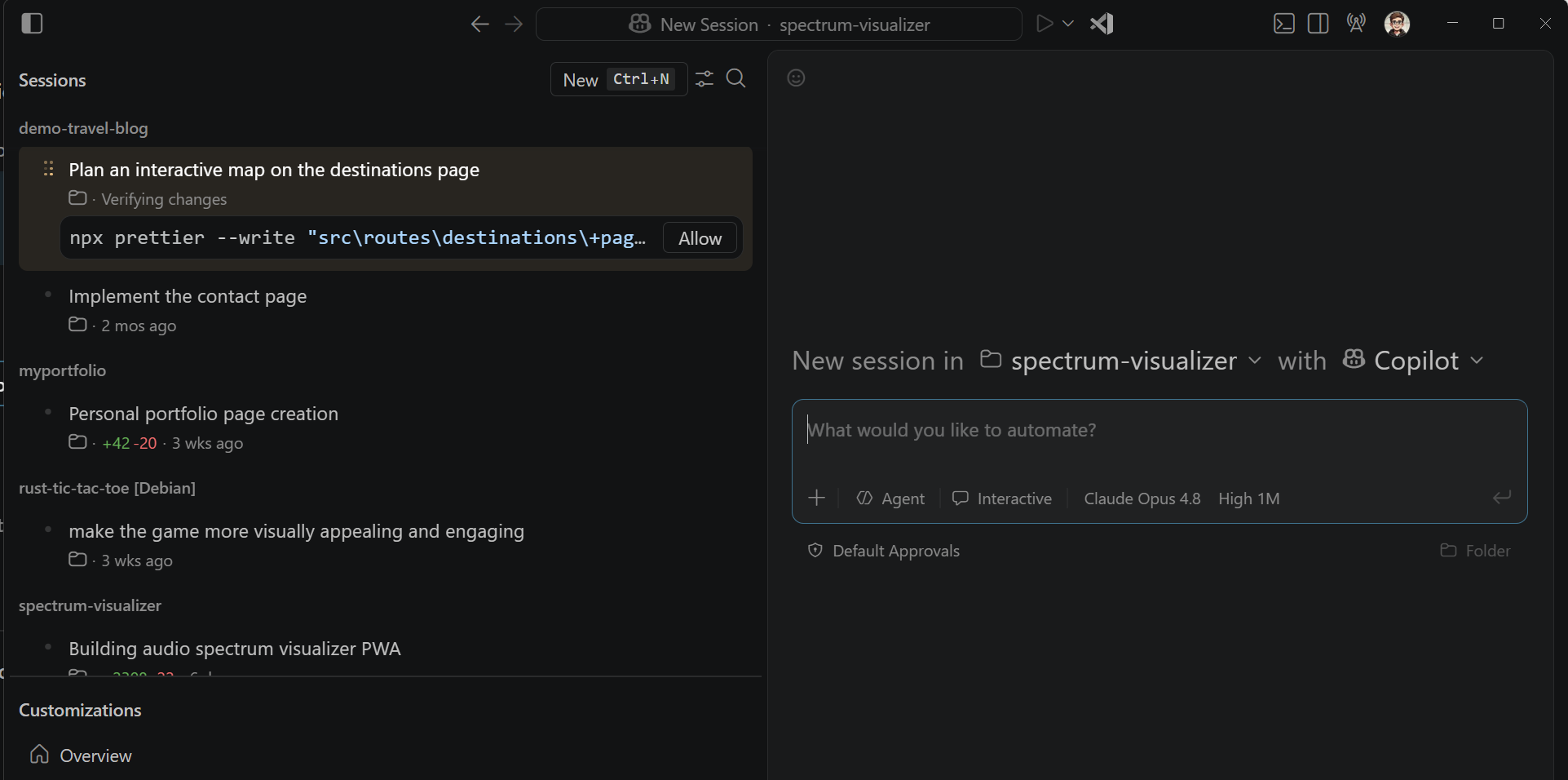
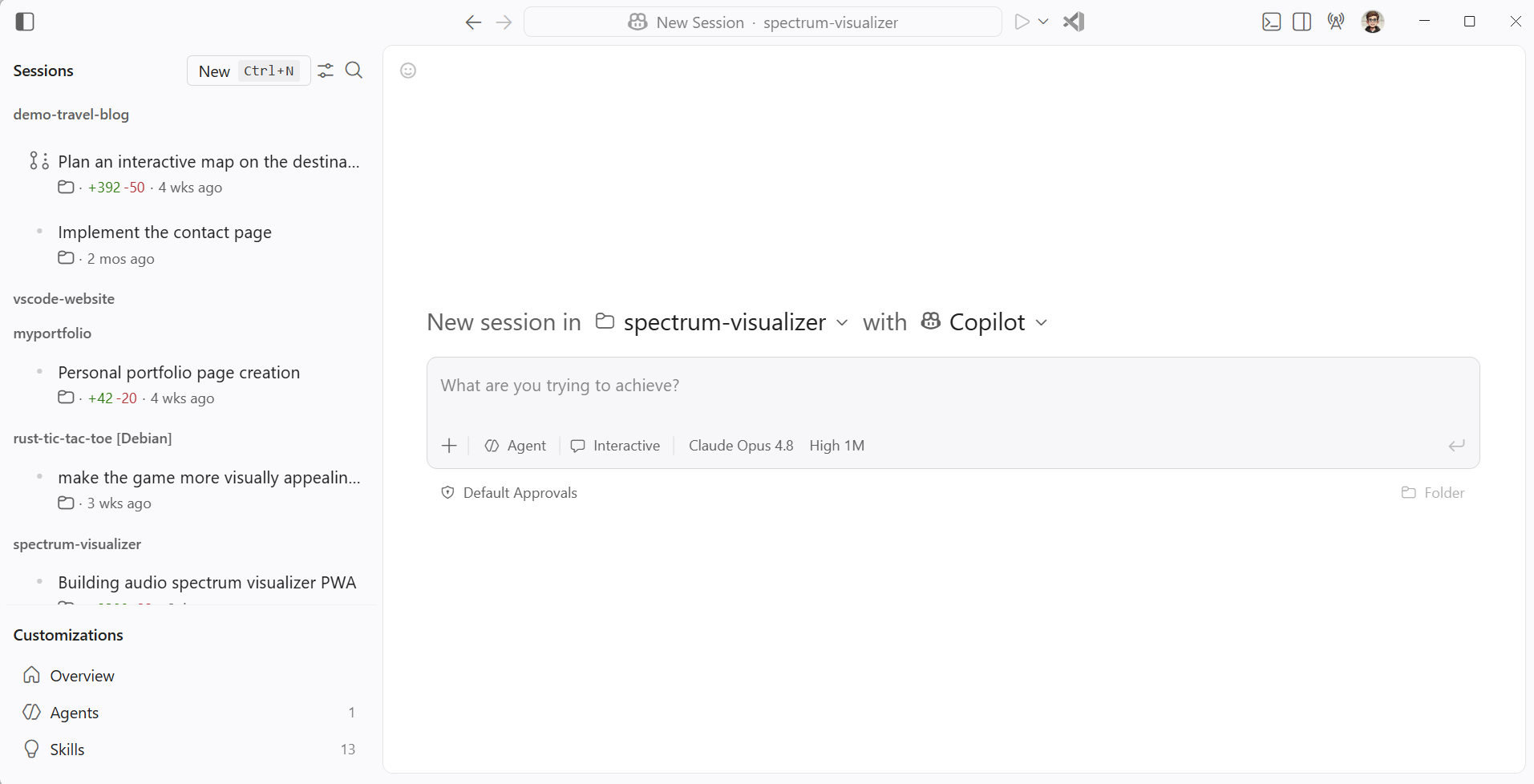
Use the Agents window to assign higher-level tasks, monitor multiple sessions across projects, and review where your attention is needed.
Open the Agents window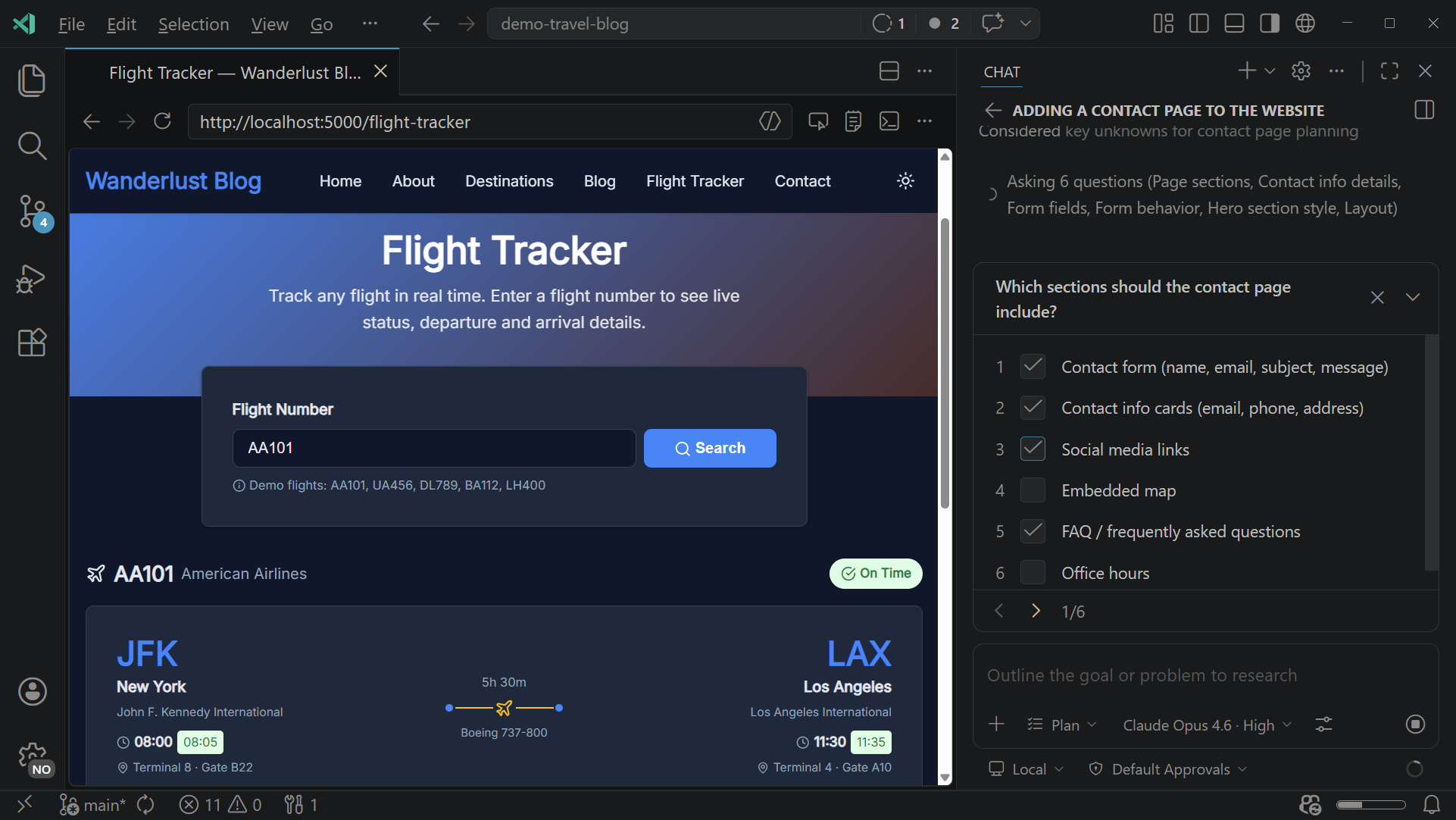
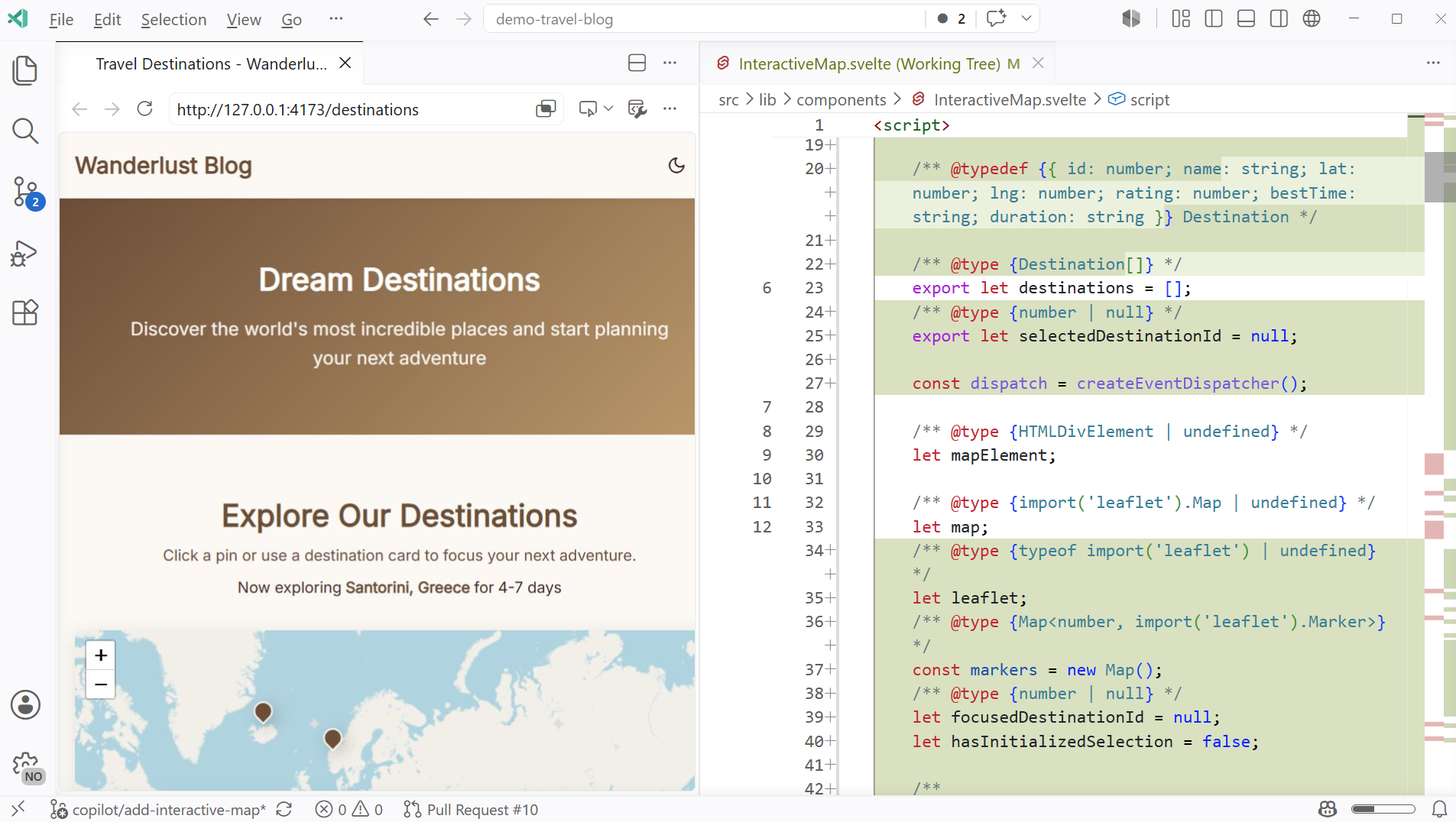
Focus on one project with your agent beside the editor. Inspect changes, refine an implementation, run tests, and debug together.
Open chat in the editorStart where the task finds you. Continue supported Copilot sessions or pick up cloud-agent work in VS Code when you want its editing, testing, and debugging tools at hand.
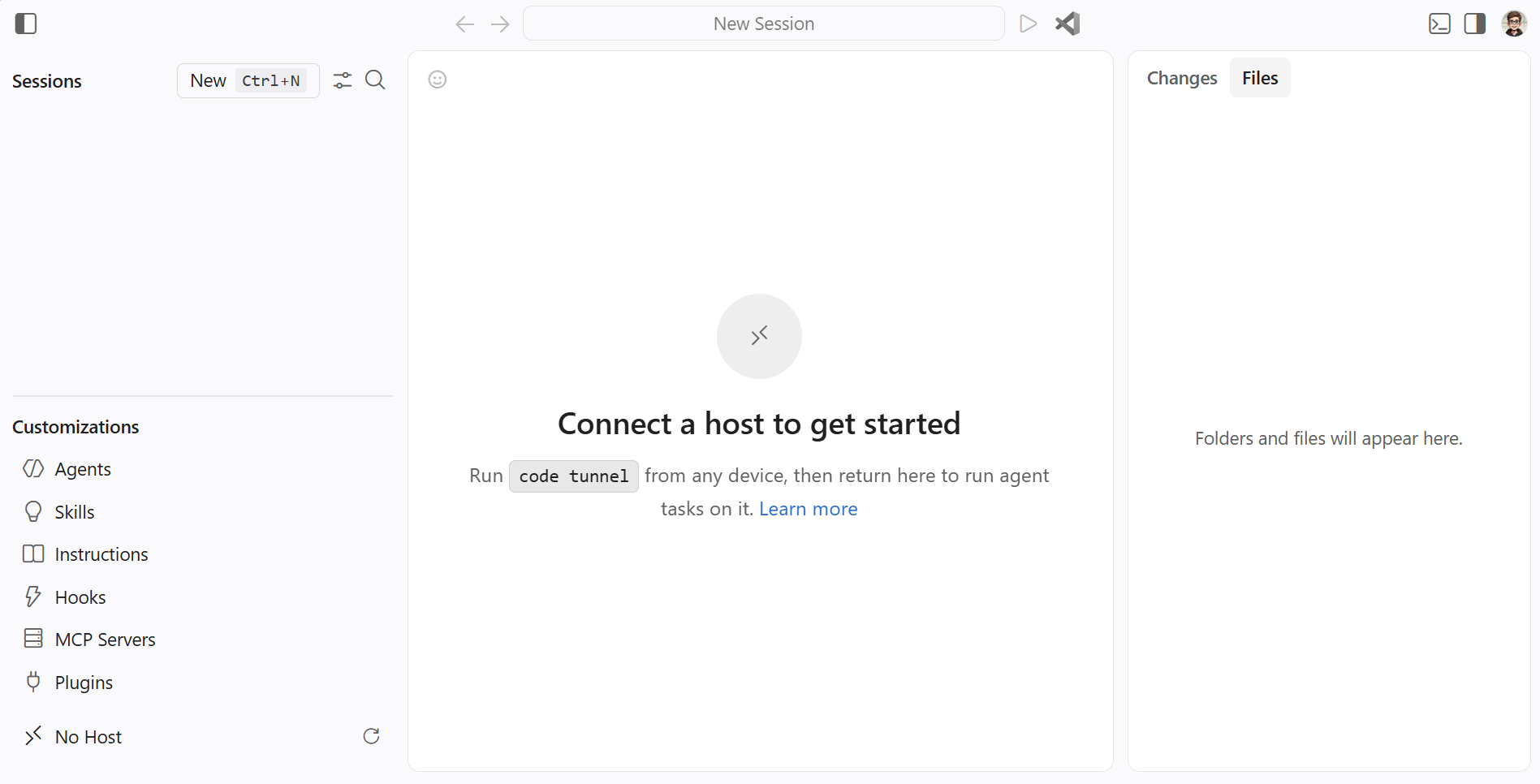
Check in on your agents from another device while they run on your development machine.
Connect to remote agent sessions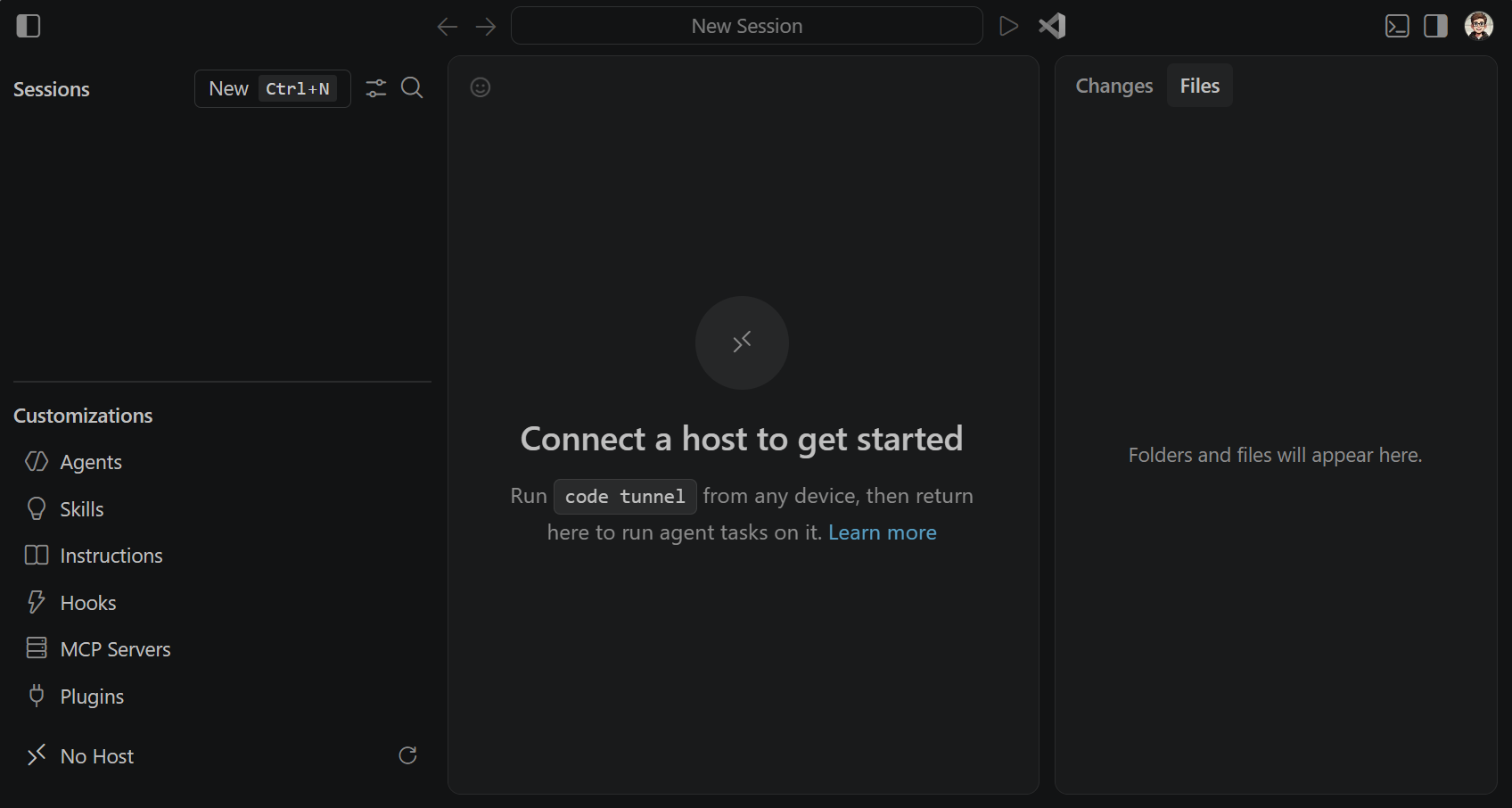
Continuing the task is about more than the conversation. Work with the code, tools, and environment your project needs, from a remote machine, inside a Dev Container, or in your browser.
Dev Containers define your project's tools, runtimes, and dependencies as code, so you and your teammates can work from a consistent setup.
Edit and review repositories on vscode.dev, or use GitHub Codespaces for a cloud-hosted development environment. Start from your browser without a desktop install.
Connect over SSH or Dev Tunnels to use VS Code's editing, terminal, and debugging tools. Your code and development tools stay on the remote machine.
Orchestrate, collaborate, or check in from somewhere else. Choose how you want to work next, with your code and tools within reach.